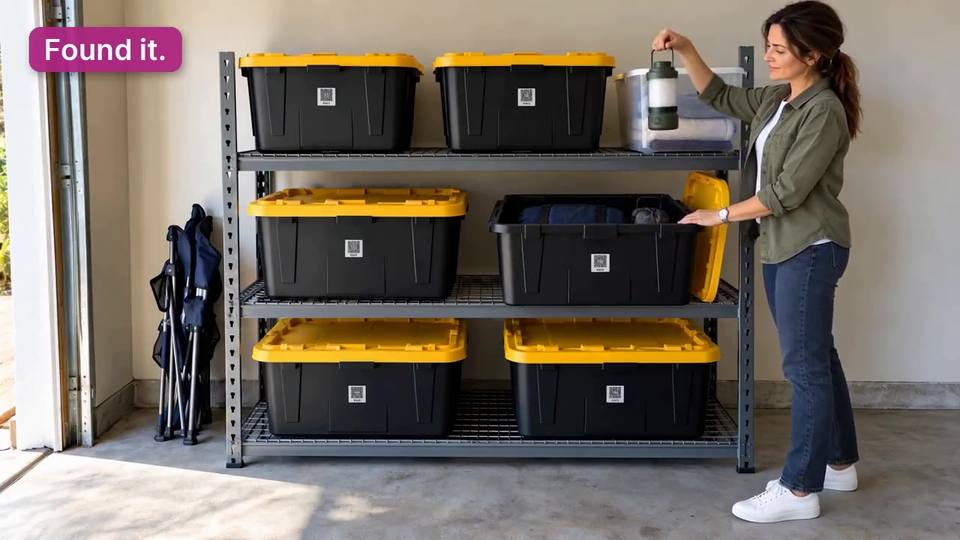
Scan the box. See what’s inside.

QR labels for every box and a free app that remembers what’s inside. Add photos and keywords once, then scan or search instead of unpacking.

Labels are a one-time purchase. The app is free.

SP312Camping lanternGarage, shelf 23 photos

How it works

Four steps, and the first one is a sticker.
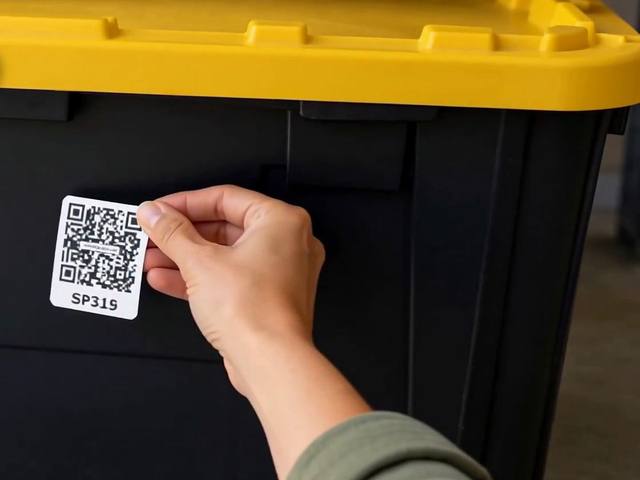
  1. A hand pressing a QR label numbered SP315 onto a black storage bin with a yellow lid
    1

    Stick

    Peel a SmartPacks label and press it onto a box, bin or tote.
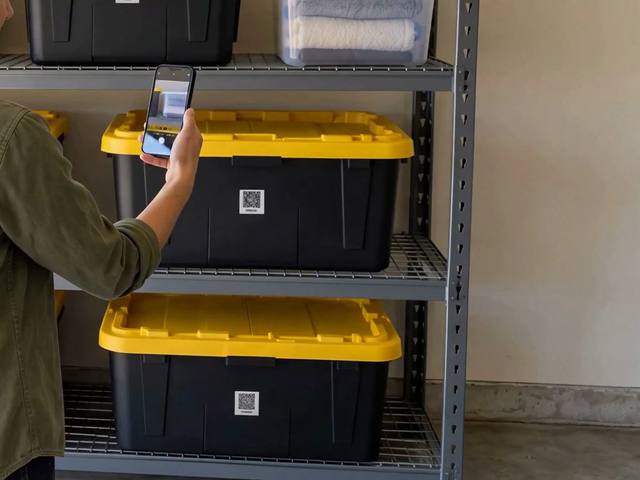
  2. A phone held up to the QR label on a bin on a garage shelf
    2

    Scan

    Scan it with the free app. The new box is set up on the spot: give it a name and a location.
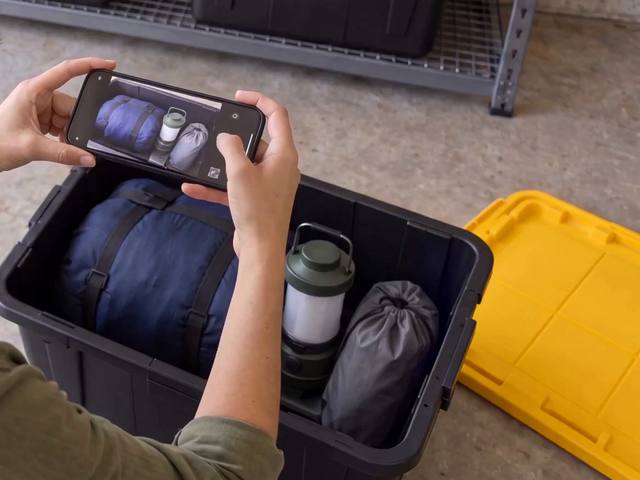
  3. Hands photographing what’s inside an open bin: a sleeping bag, a camping lantern and a stuff sack
    3

    Fill

    Add what goes inside: a photo, a few keywords and a quantity for each item.
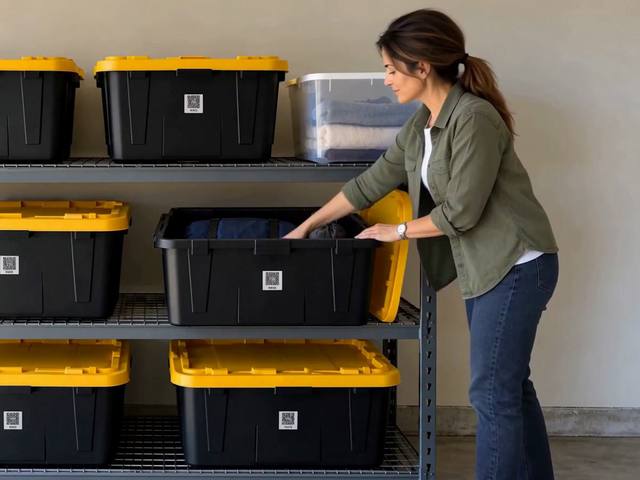
  4. A person opening the right bin on a garage shelf where every bin has a QR label
    4

    Find

    Scan the label to see inside, or search a keyword to learn which box has it.

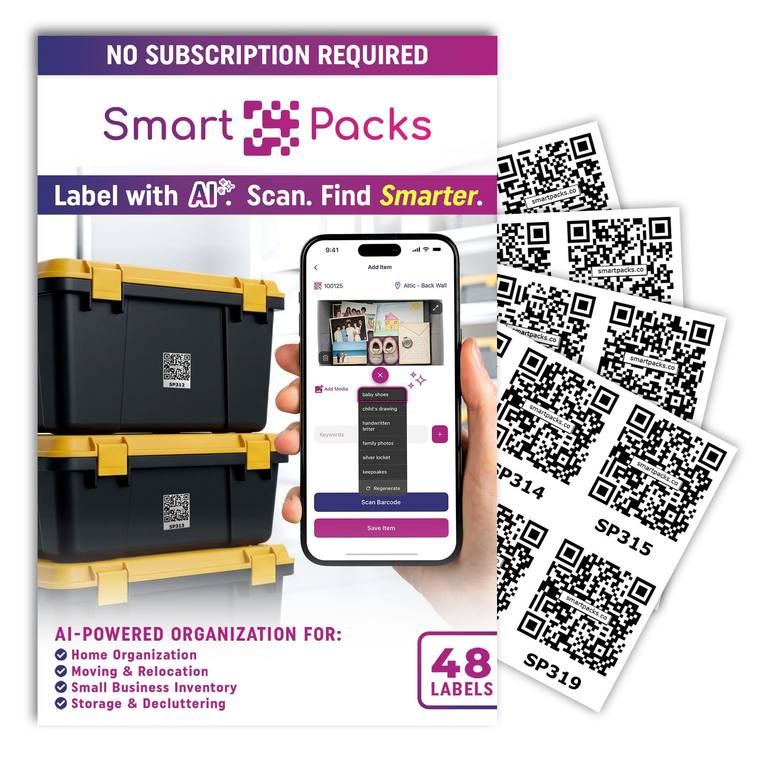
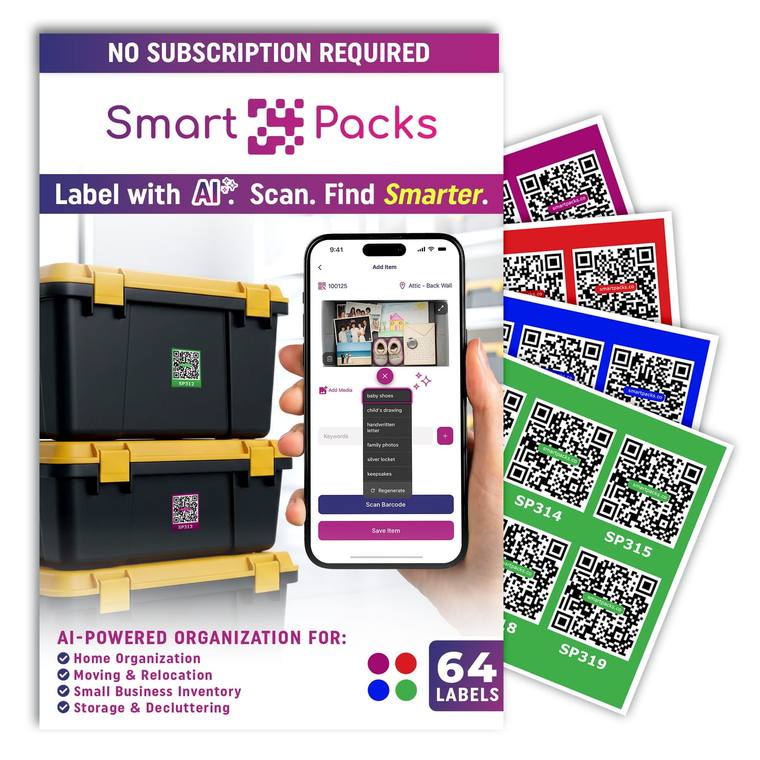
QR code labels for storage boxes and bins

Two packs of laminated, water-resistant QR labels, sold on Amazon. Every label works with the free app.
An app that remembers every box

Everything in the standard app is free and unlimited. Pro only adds Pro features.
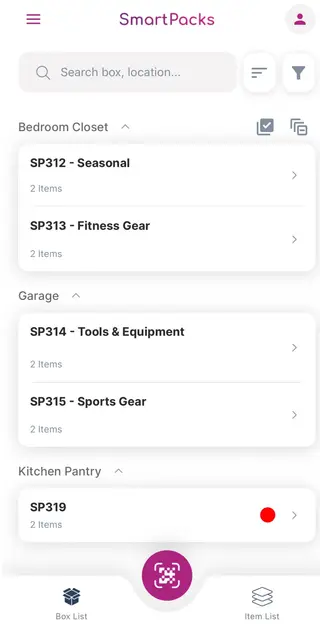
The SmartPacks box list: boxes grouped by location, such as Bedroom Closet, Garage and Kitchen Pantry, each with its label number, name and item count
  • Scan a label, open the box

    Point the app at a SmartPacks label to see what’s in that box. Scan an unused label and it becomes a new box, ready to fill.

  • Photos of every item

    Add several photos to each item, straight from the camera or from your gallery, so you recognize things at a glance.

  • AI keyword suggestions

    Add a photo and SmartPacks suggests keywords for it. Choose how many it adds on its own, or turn it off. The free plan includes a daily allowance.

  • Search across every box

    Type a keyword in the Item List to see every match, with the box and location it’s in. Each box has its own search too.

  • Smart Search

    Pro

    Search by meaning instead of exact words. Ask for “winter clothes” and find the sweater, the jacket and the scarf.

  • Shared profiles

    Pro

    Keep one inventory with family, roommates or a team. Add people by email as Editors, who can make changes, or Viewers, who can only look.

See all features

See it in under a minute

Still from the how-it-works video: in a garage, a person holds up a camping lantern beside a shelf of black-and-yellow bins, each with a QR label, one of them open
A 40-second tour in a garage: stick a label on a bin and scan it, photograph what’s inside while AI suggests keywords, then search for the camping gear or scan the label to see what’s in the bin.

Questions people ask first

What is SmartPacks?

SmartPacks is two things that work together: QR code labels for your boxes, bins and totes, and a free app for iPhone, iPad and Android. Stick a label on a box, scan it, and add what goes inside with photos and keywords.

Later, scan the label or search the app to see what’s in any box without opening it.

Is the SmartPacks app free?

Yes. Everything in the standard app is free and unlimited. Pro only adds Pro features. There is no cap on boxes, items, locations or labels.

The labels are a one-time purchase. SmartPacks Pro is an optional subscription for extras such as Smart Search and shared profiles.

How many boxes can I keep track of?

As many as you have labels for. The free app has no limit on boxes, items or locations, and a box can hold as many items as you add to it.

Which phones and tablets does SmartPacks work on?

SmartPacks runs on iPhone, iPad and Android phones. Download it from the App Store or Google Play. The app speaks English, German, French, Italian and Spanish.

See all questions

Get the free app

Free on iPhone, iPad and Android, with no limit on boxes, items or locations.

Scan this code with your phone to install SmartPacks.